Got a board
in mind?
A wider nose. A touch more rocker. The same tail you already like. Work out the shape before it hits the shaping bay.
Follow a board build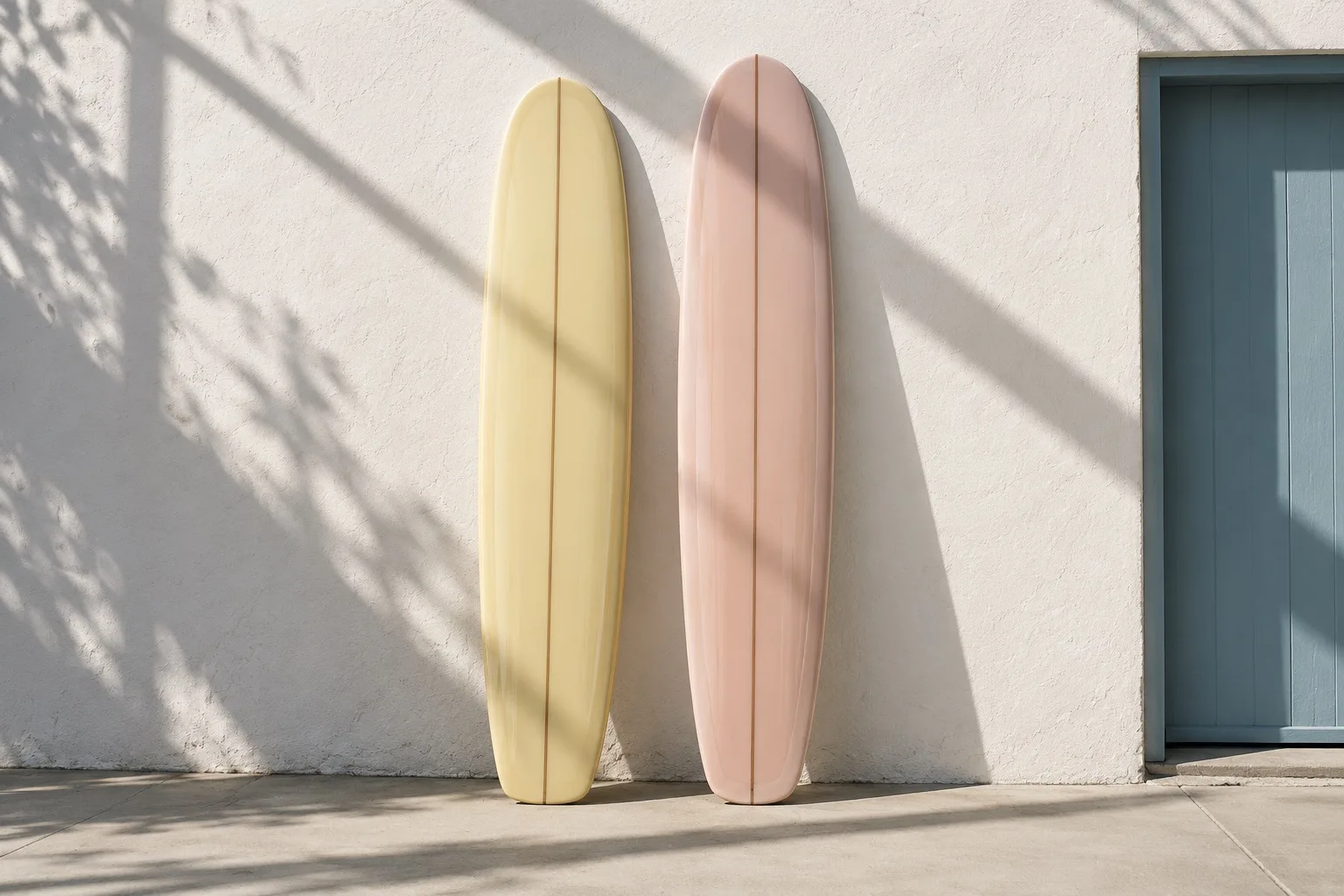
Follow a shortboard from shape to color.
-
Start with a standard shortboard
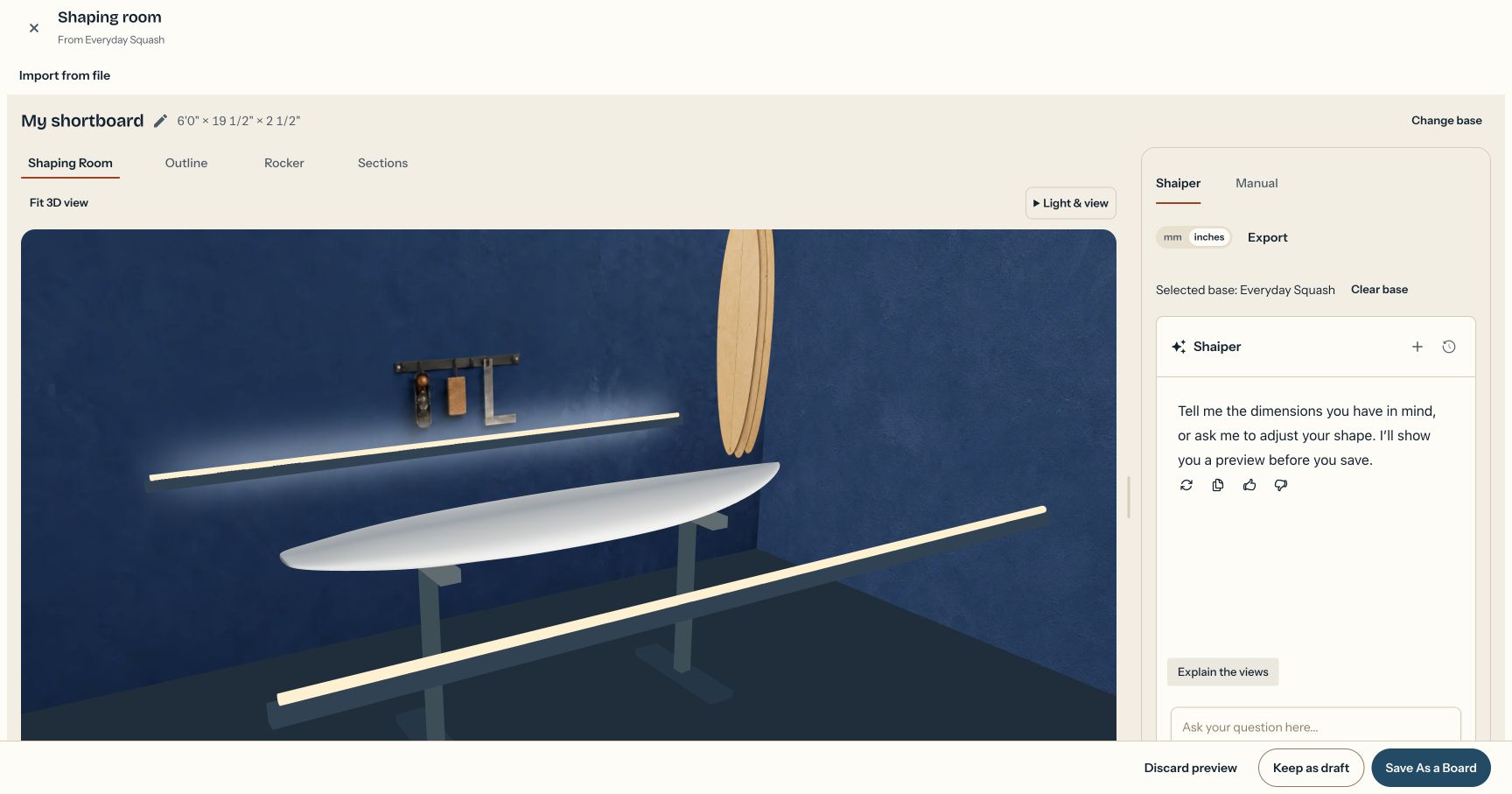
Choose Everyday Squash from the base models and open it in the shaping room. This one starts at 6′0″ × 19½″ × 2½″.
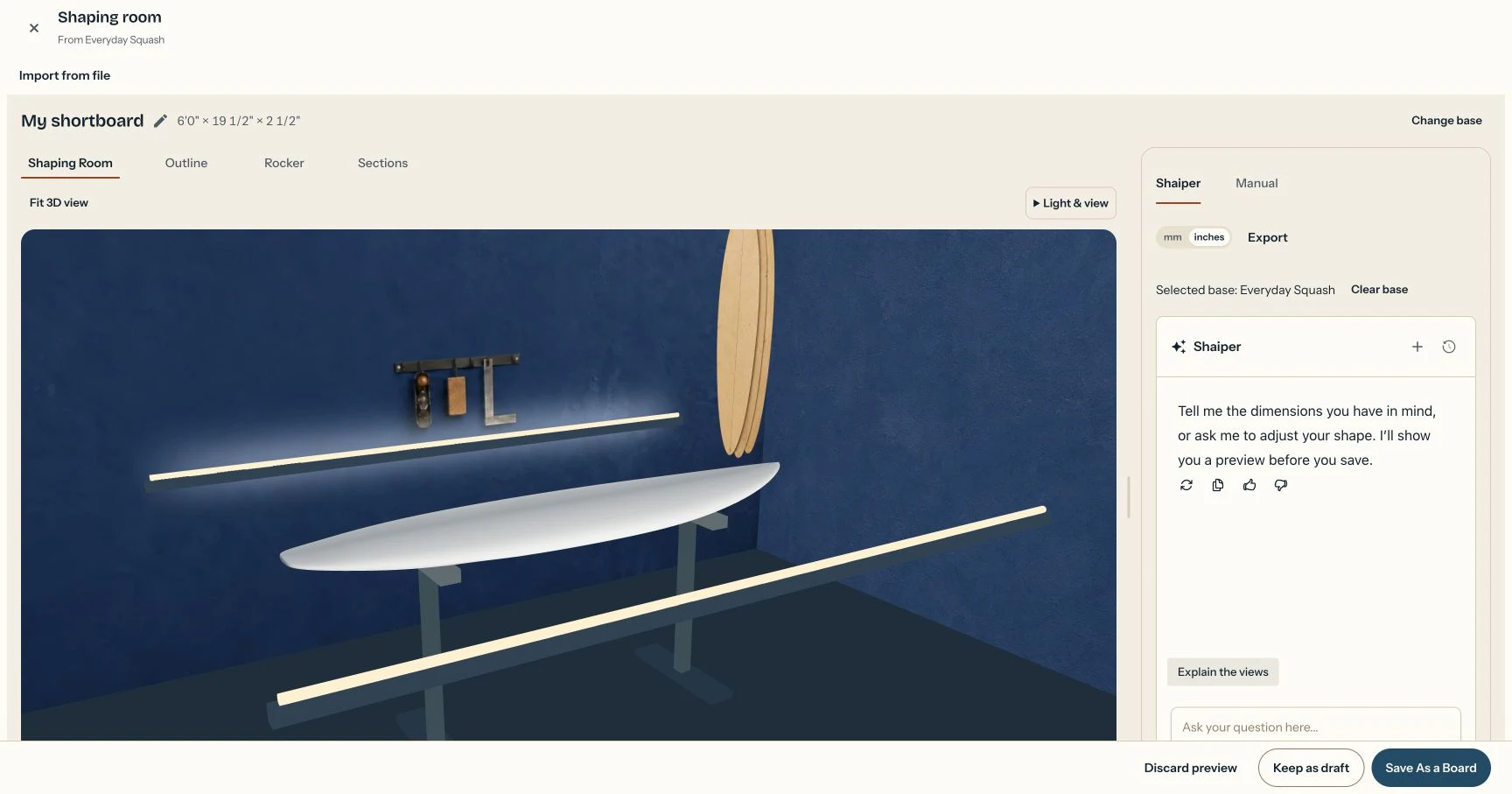
Everyday Squash · 6′0″ × 19½″ × 2½″ View full size ↗ -
Make adjustments through chat
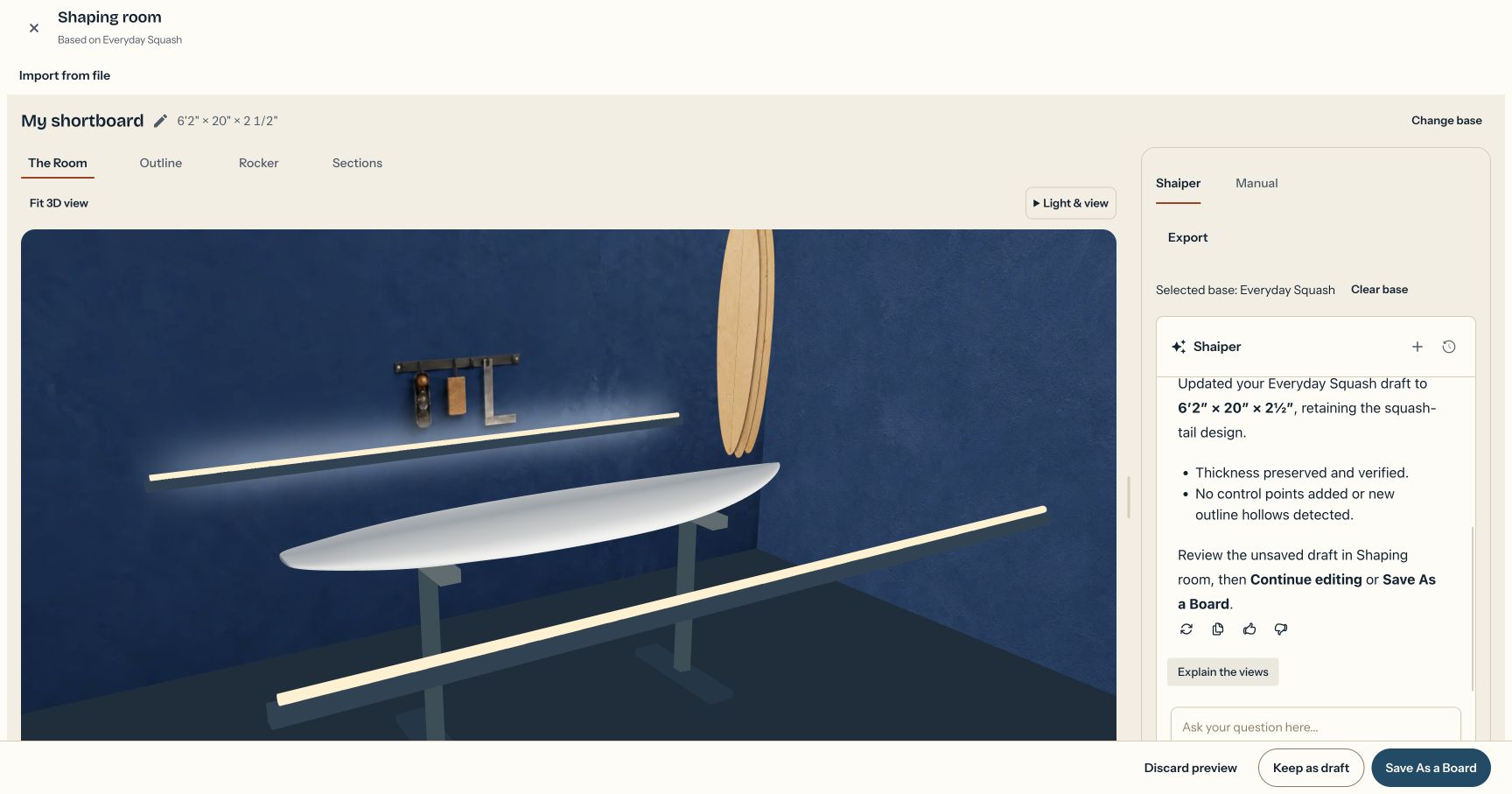
Ask Shaiper for a little more length and width. Review the updated board in the shaping room, with the conversation beside it.
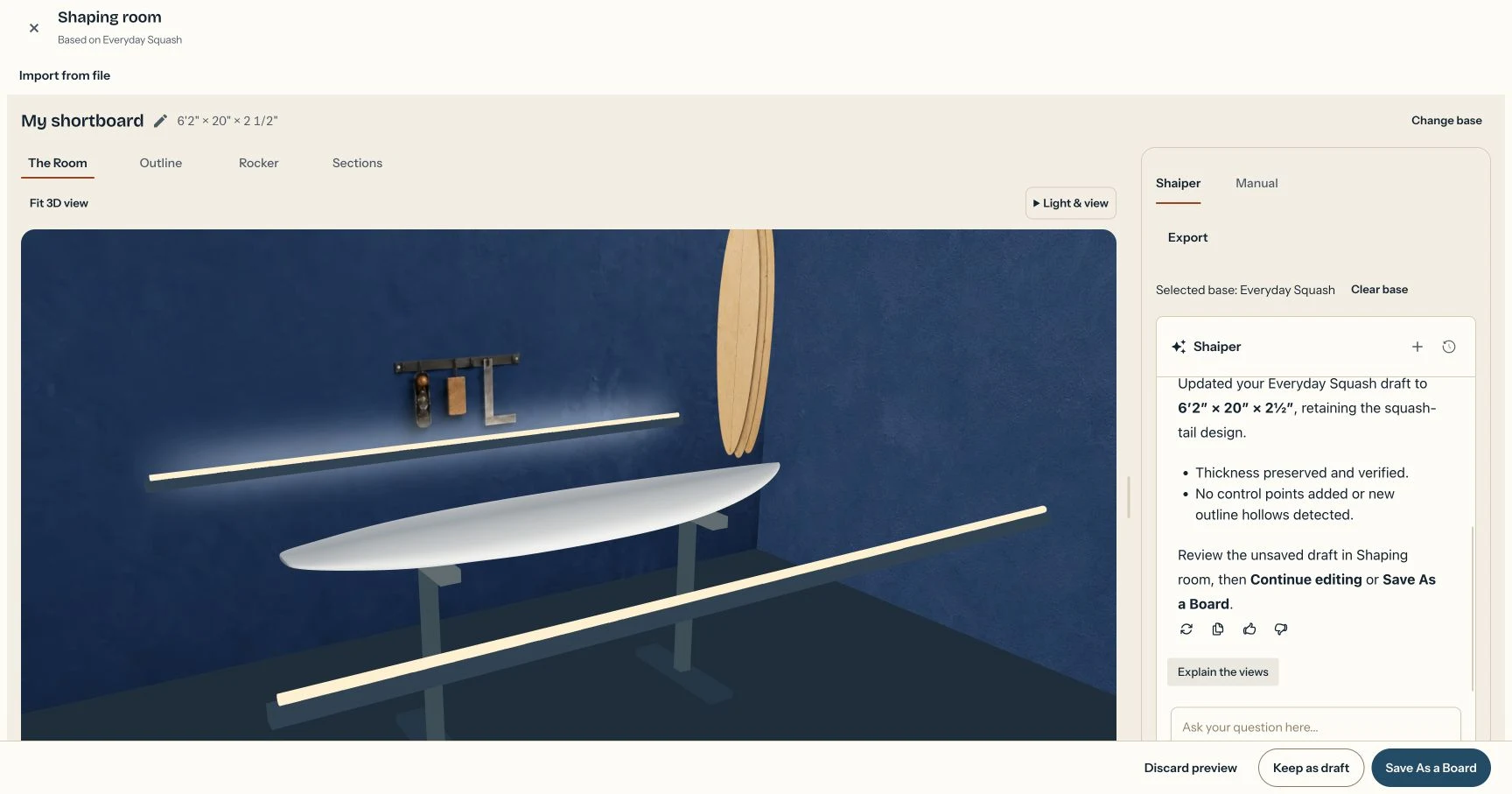
6′2″ × 20″ × 2½″ · Same thickness and squash tail View full size ↗ -
Save as a board
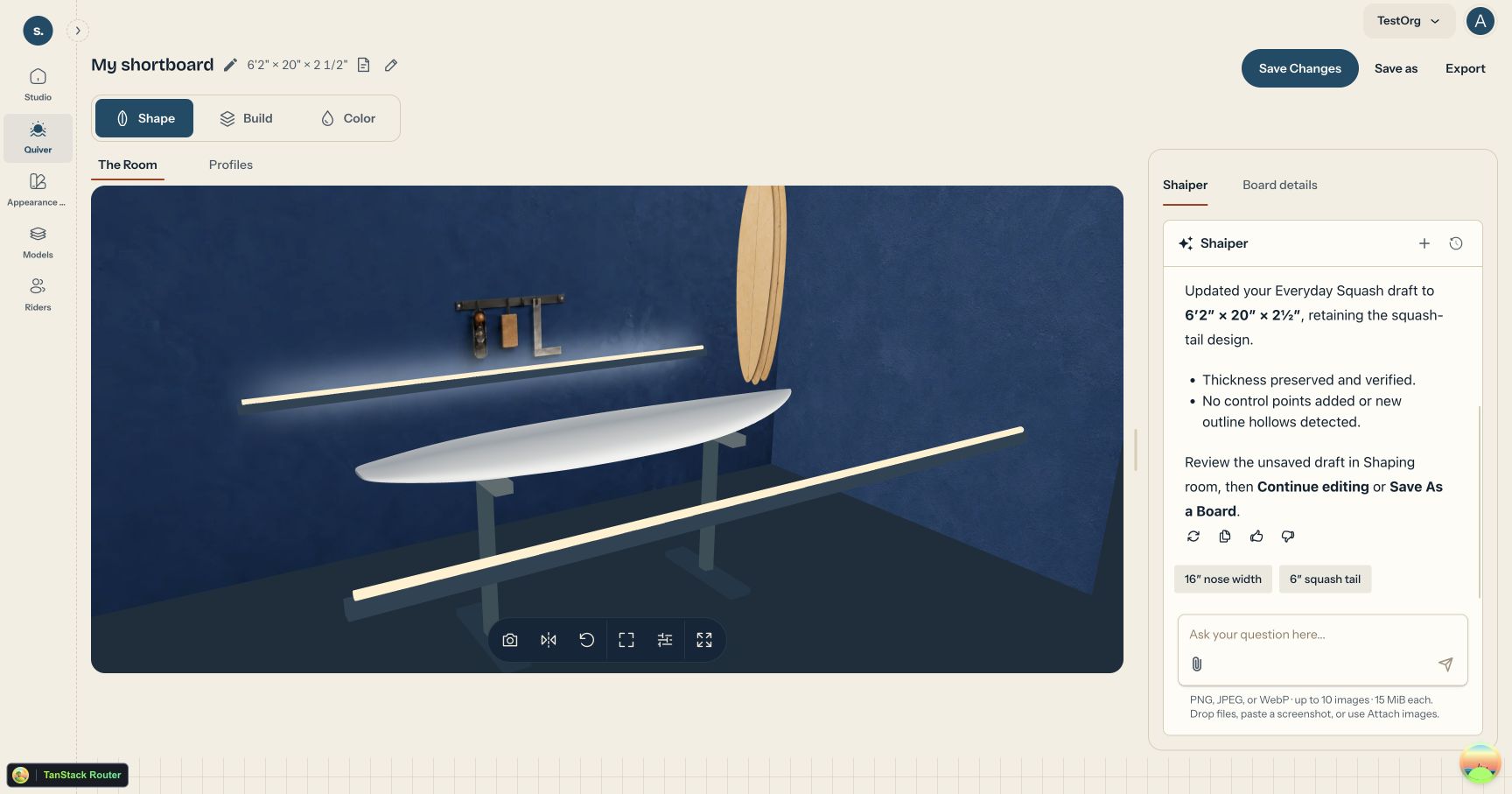
When the shape is ready, choose Save As a Board. Your shortboard now has its own saved design, ready for build and appearance choices.
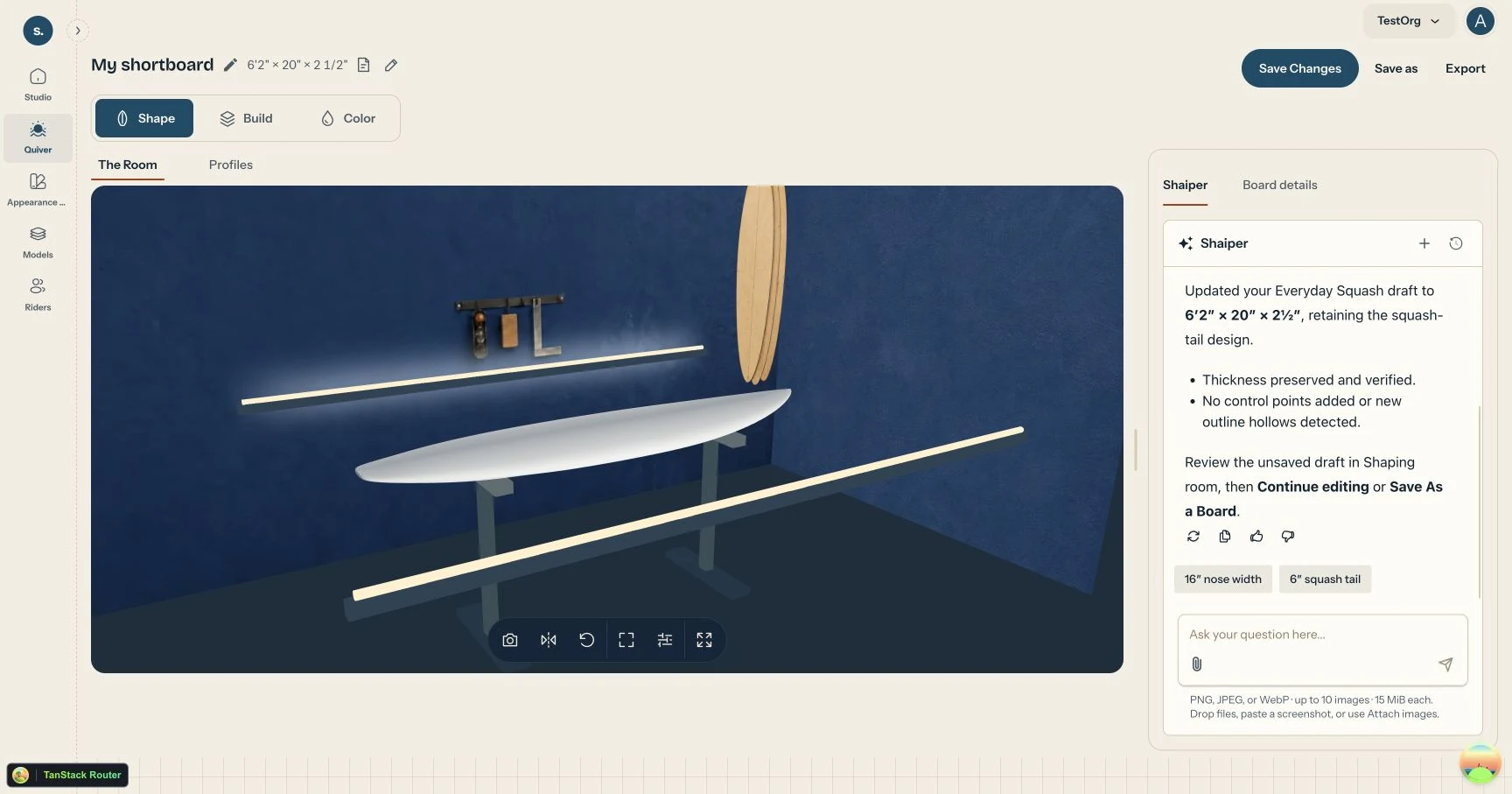
A saved board with its own shape View full size ↗ -
Add color
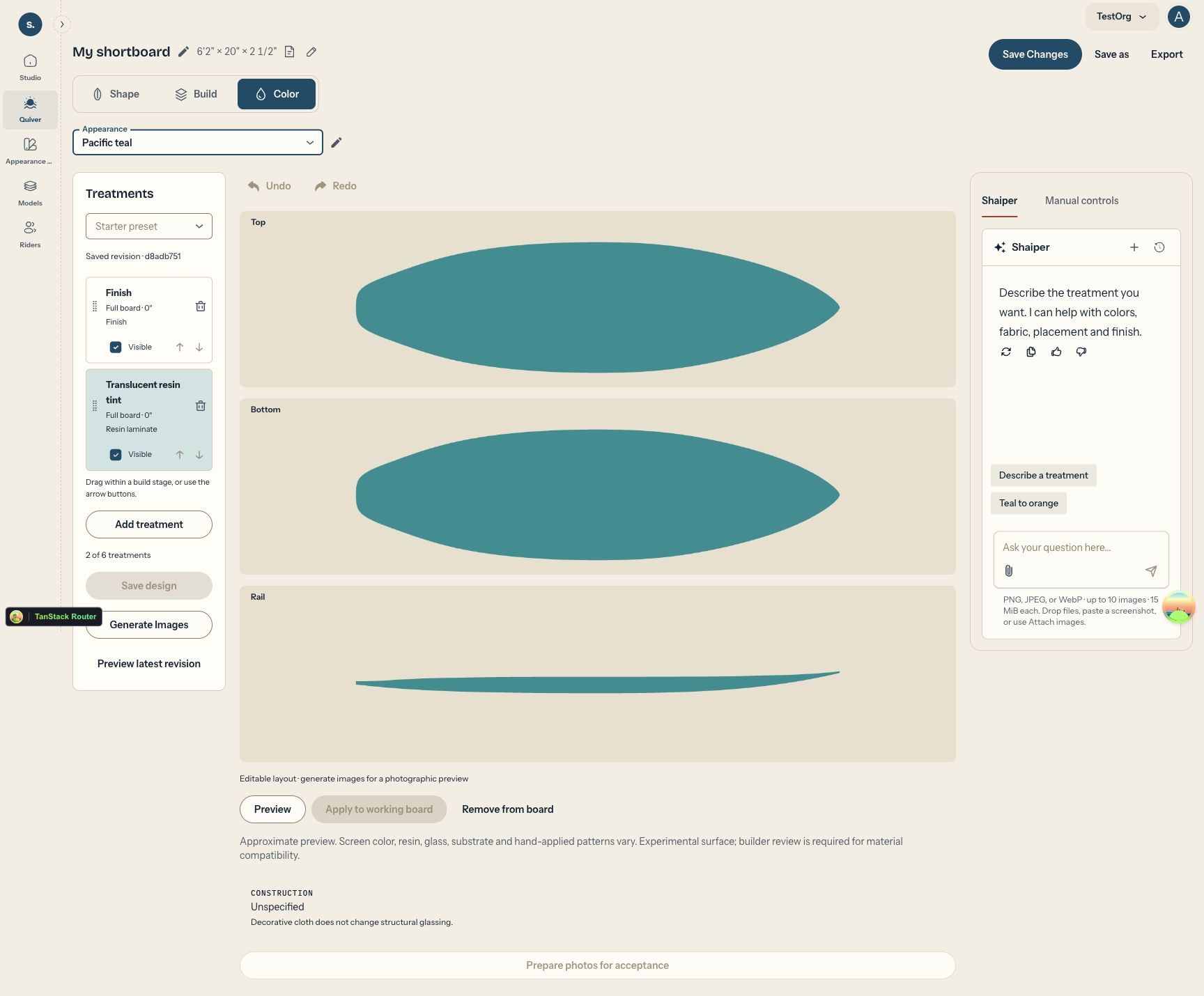
Give the board a color treatment in the appearance editor. Preview the deck, bottom, and rails, then save the design to your board.
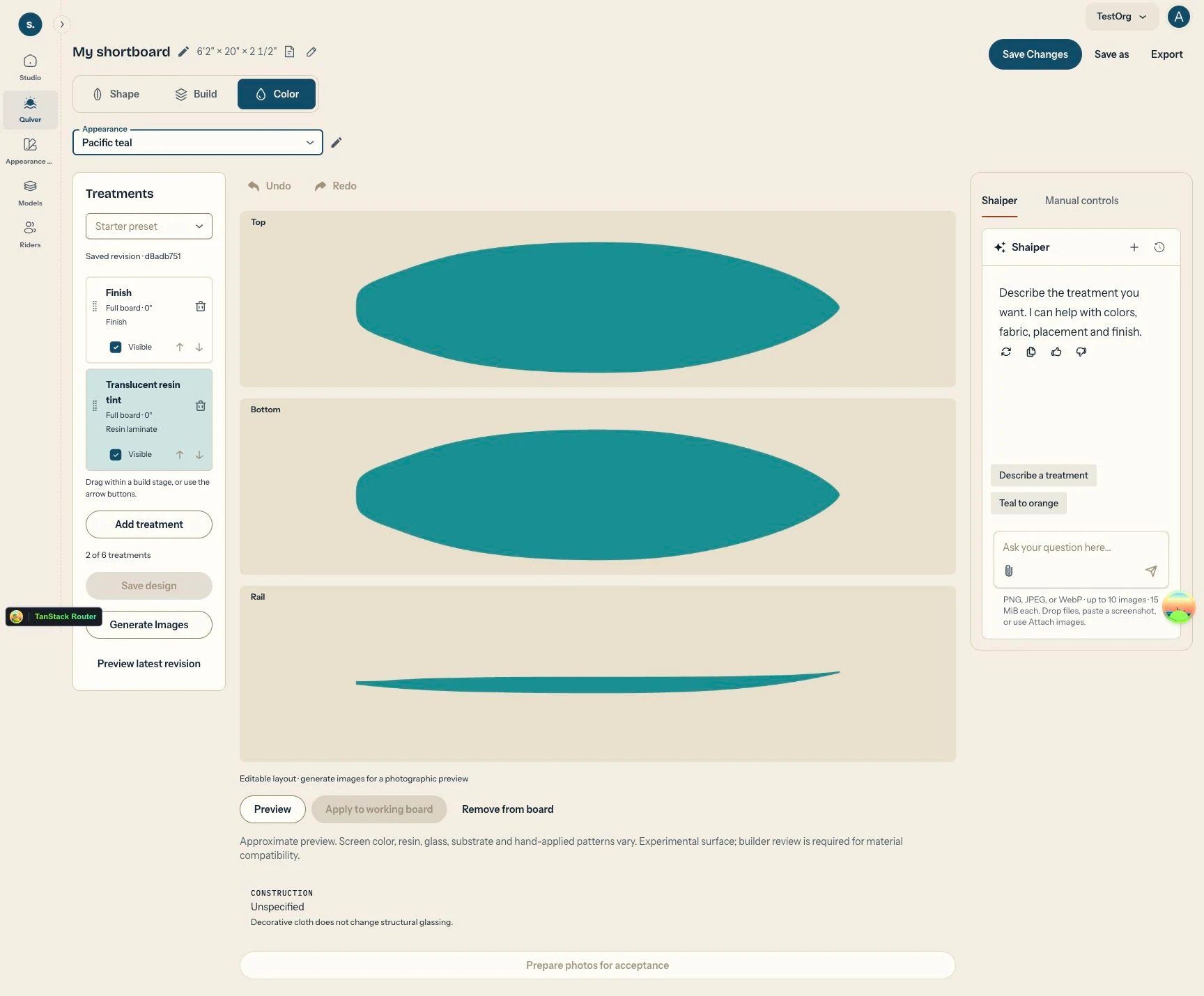
Color and finish, on the same shortboard View full size ↗